Google Chrome
Install from the Chrome Web Store.
Add to ChromeNewTqnia Start
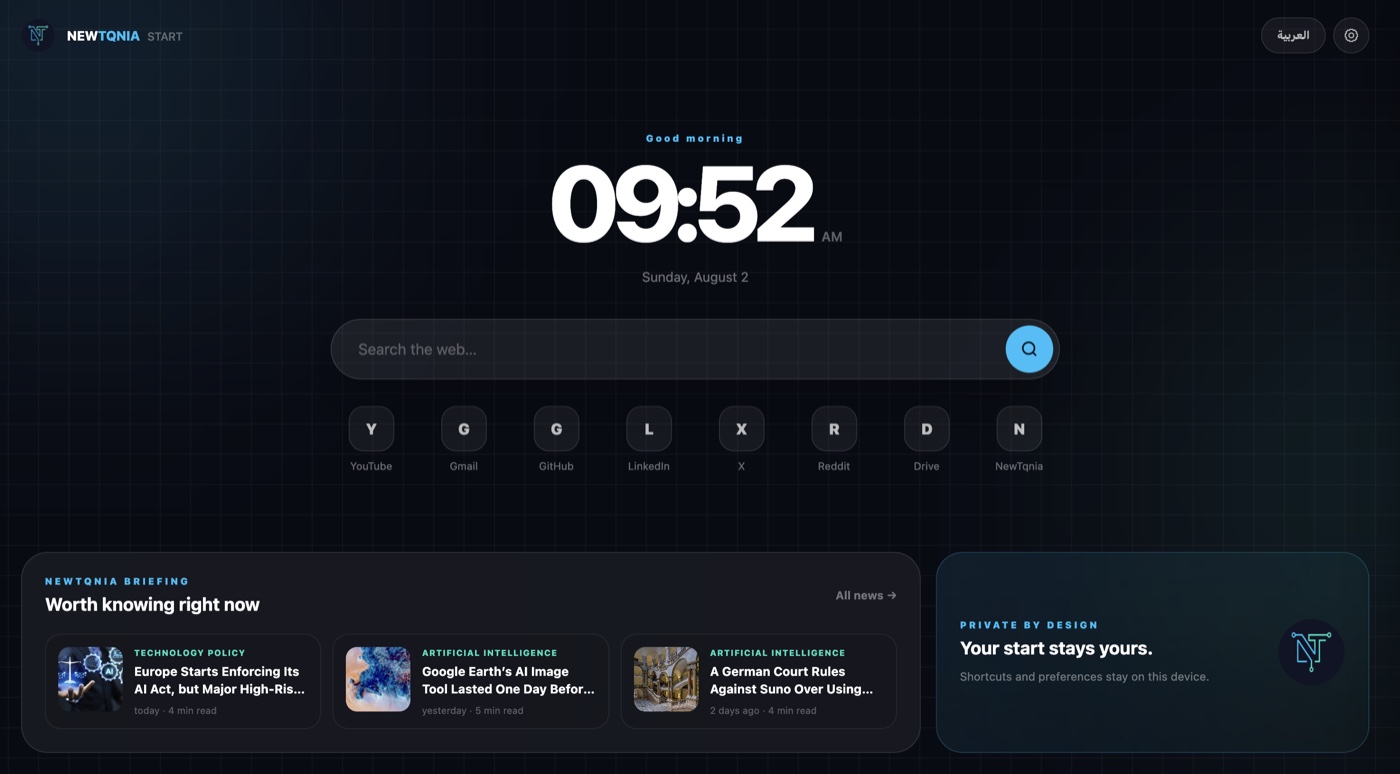
Time, search, your shortcuts, and a bilingual technology briefing in one calm dashboard. Choose your browser and install from its official store.
Official stores
You will be taken to the extension’s published store page to complete installation securely.
Install from the Chrome Web Store.
Add to ChromeInstall from Microsoft Edge Add-ons.
Add to EdgeInstall from Firefox Browser Add-ons.
Add to FirefoxChromium browsers
Brave supports Chrome extensions. Open the Chrome Web Store listing, choose “Add to Brave,” and review the requested permissions.
Open Chrome Web Store ↗Chromium browsers
Vivaldi also supports Chrome extensions. Open the Chrome Web Store listing, choose “Add to Chrome,” then confirm the installation in Vivaldi.
Open Chrome Web Store ↗After installation
Open a new tab.
Choose English or العربية.
Customize shortcuts and your news category.

Install NewTqnia
Open the latest technology news quickly from your home screen.